Homepage
Current
model FAQ
Keyless
entry, Immobilizer key
Tire
pressure monitor FAQ
Tires,
wheels FAQ, specs, sizes,
SubaruSpeak
glossary
Maintenance
schedule
Warranty,
towing
Safety
airbags,
child seats
Subaru
Links a full page
Subaru
News articles, reviews, links,
Alaska,
Hawaii residents
Hybrid
concepts, rumors, links
Subaru
history
sitemap
a lot more...
|
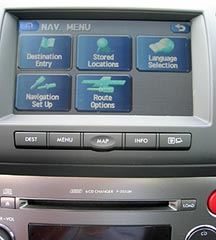
Legacy and Outback Navigation
more photos below
|
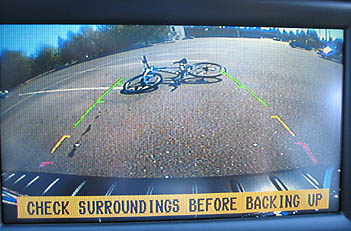
new
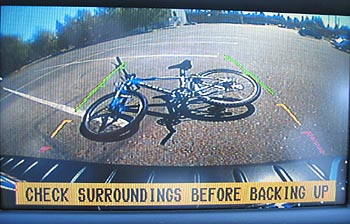
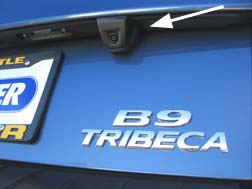
starting 2007 model Tribeca's Navigation includes back-up camera,
not on Legacy or Outback
|
Please
read- this unofficial independent Subaru research
site by Joe Spitz is designed to help you learn about Subarus. It is not
sponsored, authorized, supported or approved by Subaru or any dealer
and is not connected to or affiliated with, any dealer. Always contact
your local dealer.
Inspect any vehicle prior to purchasing. Information subject to change,
correction, updating.
this Navigation system
described on this page is available on certain models of
Legacy 2009,
2008,
2007,
2006
Outback 2009,
2008,
2007,
2006
Tribeca 2010,
2009,
2008,
2007,
2006
****
other pages
2012, 2011, 2010 Legacy
and Outback Navigation
system
Impreza and Forester
Navigation system
Disc updates are available
from Kenwoodusa
http://store.kenwoodusa.com/subaru/
Do you have a Subaru with
Navigation? User tips and hints are welcomed. Contact
Joe Spitz
content, text, formatting
© joe spitz. unauthorized reproduction prohibited.
thanks for visiting. you
are here http://www.cars101.com/subaru/navigation.html v 11.18.11
|
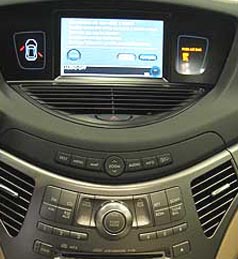
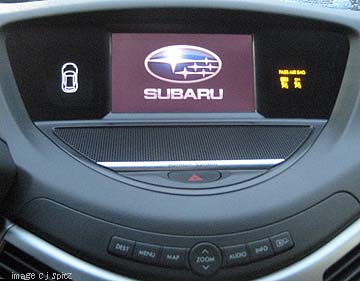
Tribeca with Navigation
|
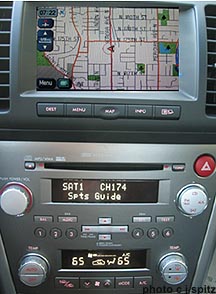
Legacy and Outback Navigation
console
|
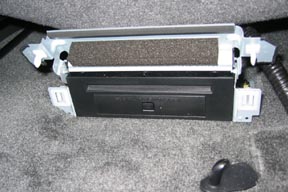
Navigation CD is under the
front seat.
It comes with 2 discs, includes
US and Canada
(shown open)
|
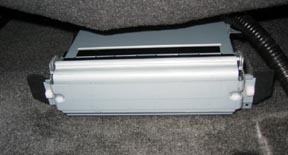
Navigation CD is under the
front seat
(shown lid closed)
|
one of the many screens.
This is an early version, updates are available from Kenwoodusa
http://store.kenwoodusa.com/subaru/
|
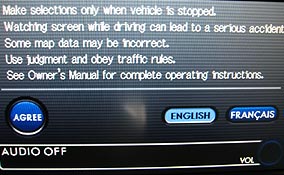
Push the 'agree' button
to use the Navigation system each time the car is started.
Certain functions are disabled
when the car is moving including certain map functions, playing DVDs (if
optional DVD system on vehicle) and etc. The DVD player still works on
the rear drop down DVD screen, just not through the front Nav screen. |
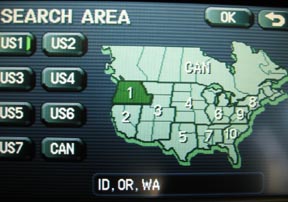
select your current area.
US1 is currently selected,
including Washington State
|
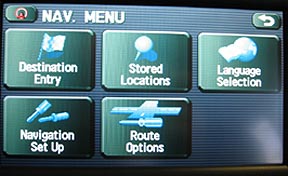
there are a series of setup
choices for map display, voice etc
|
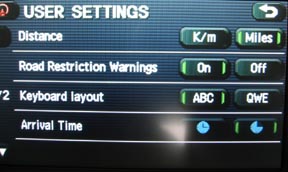
display and options including
miles or kilometers and other items
|
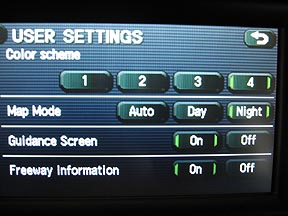
more display and options
|
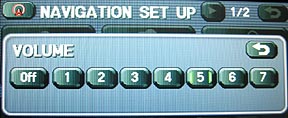
volume selection
|
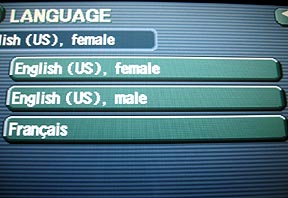
language selection including
English, French, male, female
|
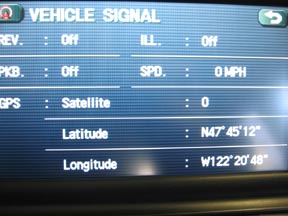
GPS settings for the vehicle.
May not work in Alaska
|
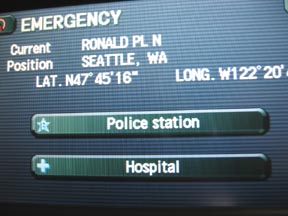
Emergency? show local police
and hospitals based on location
|
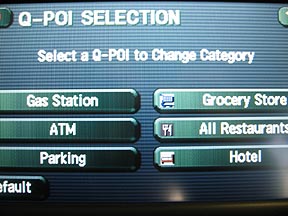
choose a Point of Interest
(POI)
|
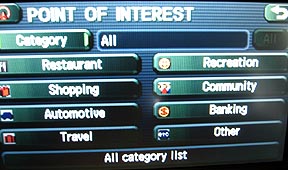
more Point of Interest choices
(POI)
|
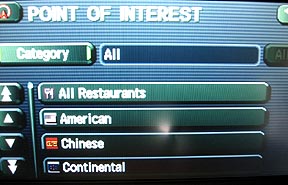
more Point of Interest choices
(POI)
|
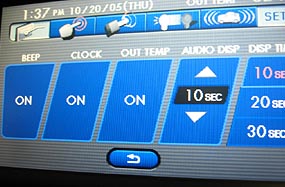
enable or program various
features on your car including various displays etc.
The top bar is for function
|
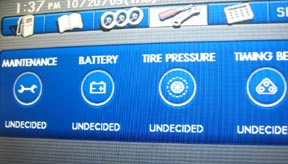
Service reminders are part
of the INFO screen.
Set reminders for the date
or miles to check general maintenance, battery,
tire pressure (tire pressure
monitor is standard on Tribeca),
and timing belt (Legacy,
Outback only)
The function bar on the top
shows Maintenance selected
See photo on right for the
Fuel Guage economy function selection
|
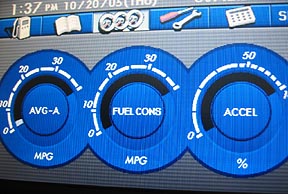
Fuel economy guages are
part of the INFO screen.
Function Bar above displays
Fuel Tank for trip odometers A & B,
Gauges (selected) , Maintenance
(see photo on left), a calculator
|
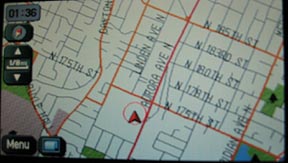
map display can be adjusted
from very close showing individual streets to very a much larger area.
The map can also show 2 sections and other features you can enable.
|
|